
Table of Contents
ToggleA Deeper, Practical View from Years of Real-World Experience
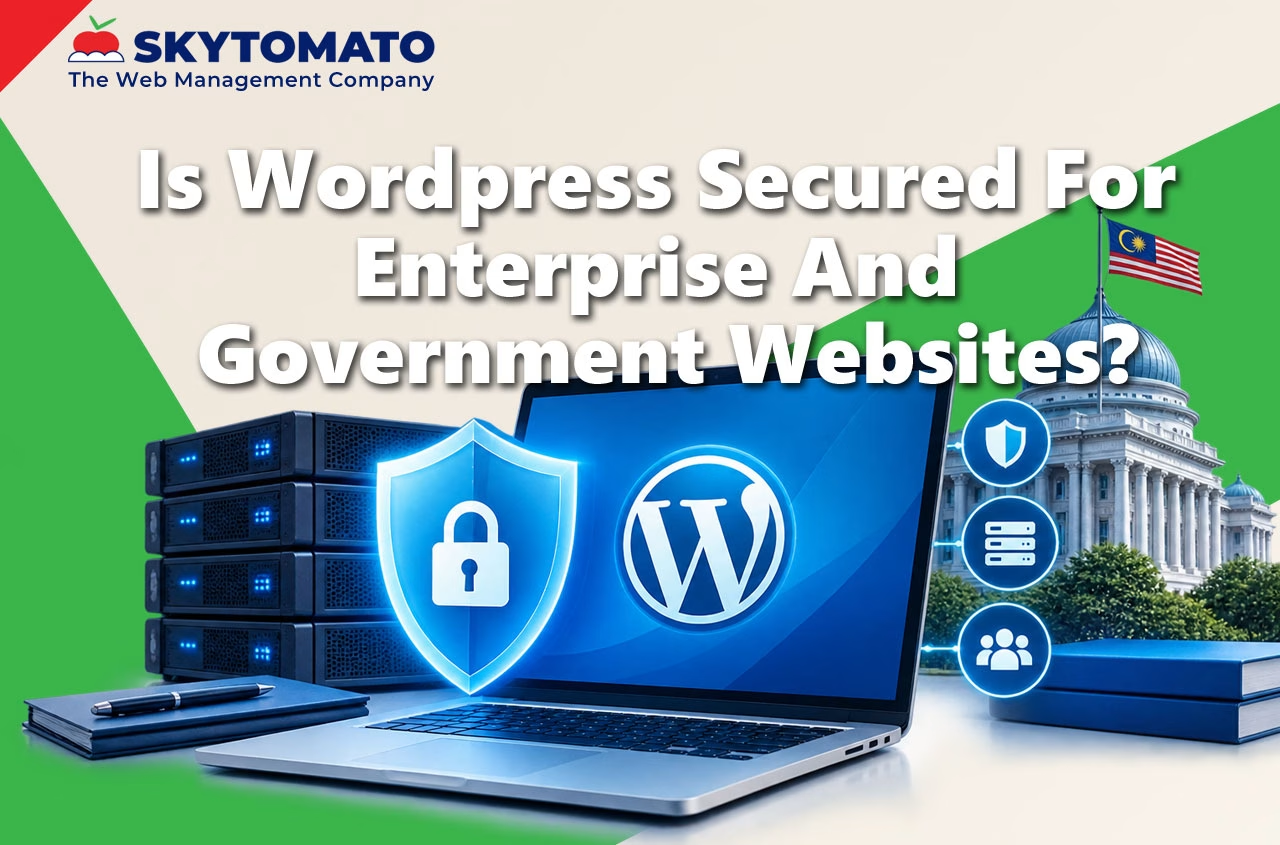
When enterprises or government agencies ask about WordPress security, they are not really asking:
“Is WordPress safe for a small business website?”
What they are actually asking is:
“Can this platform survive audits, bureaucracy, real users, political pressure, public scrutiny, and long-term operational reality?”
That’s a very different question.
Let’s go deeper — without marketing hype — and look at how security actually works inside enterprise and government environments.
🧠Websites in Enterprises and Government Are Mission-Critical Systems
In serious organizations, websites are not just digital brochures.
They function as:
- Citizen service delivery channels
- Public information authorities
- Compliance communication platforms
- Operational dashboards
- Integration points with internal systems
When a website fails at this level, the impact is real:
- Delayed public announcements
- Broken online services
- Compliance red flags
- Internal escalations and blame cycles
- Long-term reputational damage
Technology must support governance processes — not fight against them.
⚠️ The Biggest Enterprise Security Myth: “We Are Too Big to Be an Easy Target”
One of the most dangerous assumptions in large organizations is this:
Size equals safety.
In reality, scale increases exposure.
Large enterprises and government agencies often operate:
- Multiple domains
- Sub-sites and microsites
- Vendor-managed landing pages
- Legacy systems still connected to the internet
A Very Common Scenario
A department launches a temporary website for:
- Public consultation
- Tender announcement
- Awareness campaign
The campaign ends. The website remains online. No one owns it anymore.
Six months later:
- CMS outdated
- Plugins vulnerable
- Malicious code injected
This is not a WordPress problem. It is a lifecycle and ownership problem.
🤖 Automated Attacks Are a Governance Problem — Not Just a Technical One
Automated bots look for:
- Outdated software
- Predictable login URLs
- Weak access policies
- Missing firewalls
In enterprises, these weaknesses often exist because:
- Updates require approvals
- Responsibilities are split across departments
- Vendors are involved
- Teams fear “breaking production”
Security delays create attack windows.
🎯 Why Hackers Target Enterprise and Government Websites
Not because they are harder — but because they are more valuable.
A compromised enterprise or government website can:
- Spread malware from a trusted domain
- Host phishing pages users believe
- Manipulate search results for authority websites
- Damage national or corporate credibility
From an attacker’s perspective, one successful breach here is worth hundreds of small sites.
🔍 The Two Most Common Enterprise-Level Security Failures
1️⃣ Update Paralysis Caused by Organizational Structure
In large organizations, updates require:
- Change request forms
- Vendor coordination
- Testing cycles
- Management approval
This creates a dangerous gap between when a vulnerability becomes public and when it is patched.
A properly managed WordPress setup includes:
- Staging environments
- Scheduled maintenance windows
- Rollback plans
- Documented update procedures
2️⃣ Treating Public Websites as “Less Critical”
Organizations invest heavily in:
- Internal firewalls
- VPN infrastructure
- Endpoint protection
But public websites are often:
- Hosted separately
- Vendor-managed
- Lightly monitored
A Web Application Firewall (WAF) provides:
- Automatic blocking of known attack patterns
- Real-time logging and visibility
- Audit-ready records
🏢 Proprietary Enterprise CMS: Strong, But Process-Heavy
Enterprise CMS platforms are built for:
- Complex workflows
- Multi-layer approvals
- Large editorial teams
However, they often introduce:
- Vendor lock-in
- Higher operational costs
- Slower adaptation to change
Security in these systems is enforced through policy, people, and spending.
🌍 Open-Source CMS in Enterprise Reality: Why Scale Matters
Open-source does not mean unmanaged.
WordPress benefits from:
- Massive global adoption
- Continuous security research
- Rapid vulnerability disclosure
- Immediate global scrutiny
For enterprises, this means faster risk awareness and predictable response patterns.
📁 What Enterprise-Grade WordPress Really Means
Enterprise WordPress is NOT:
- Cheap shared hosting
- Unlimited random plugins
- Uncontrolled admin access
Enterprise WordPress IS:
- Hardened infrastructure
- Controlled plugin policies
- Role-based access control
- Logging and monitoring
- Documented recovery procedures
📊 Joomla and Drupal: Capability vs Operational Friction
Joomla and Drupal are technically capable platforms.
However, enterprises rarely fail because of technical capability. They fail because of operational friction.
- Smaller talent pools
- Heavy reliance on specific vendors
- Slower incident resolution
- Fragmented documentation
Systems that depend on “one expert” become long-term risks.
💰 Cost Is About Predictability — Not Just Price
Enterprises and government agencies care about:
- Budget predictability
- Procurement transparency
- Vendor replaceability
- Long-term sustainability
WordPress performs well because skills are widely available, hosting options are competitive, and ecosystems are mature.
📋 How Enterprises and Governments Should Evaluate a CMS
Instead of asking “Is this CMS secure?”, ask:
- Who owns security day-to-day?
- How fast can incidents be handled?
- Can we audit and report clearly?
- Are skills available locally and globally?
- Can this platform adapt as policies evolve?
Security is not a feature. It is the result of governance.
🔎 Final Perspective
WordPress is not chosen because it is cheap. It is chosen because it is adaptable.
- Fits into enterprise governance
- Supports layered security models
- Enables faster public communication
- Avoids unnecessary vendor lock-in
The CMS rarely causes security failures. Weak ownership, slow processes, and unclear responsibility do.
WordPress can support enterprise and government requirements — but only when it is treated as a managed platform, not a disposable website.
We get many of questions about WordPress security and enterprise features and if it is suitable for large corporate and government.
Let’s get some understanding on some of the important factors that will help us determine this :
1) What is website security, how attacks happens and how to protect
2) What is Enterprise-level
3) Proprietary vs Open Source Website CMS
4) What are PHP, WordPress, Joomla and Drupal
5) Conclusion
Bonus : More about WordPress
1) Basic of website security, how attacks happens and how to protect
Website security is not a do it one-time solution. It as a continuous process that requires constant assessment to reduce the overall risk because all websites regardless of the language it is written in, can be hacked. You need a systematic layer by layer approach defensive mechanism.
Most attacks are automation and affect a large number of websites in the SMEs category (website owners in micro, small, and medium-sized businesses leveraging platforms like WordPress, Joomla, Drupal and others).
There are various goals when hacking websites, but the main ones are:
Exploiting site visitors.
Stealing information stored on the server.
Tricking bots and crawlers (black-hat SEO).
Abusing server resources.
Pure hooliganism (defacement).
How to protect your website
From our experience over 90% of all websites are compromised for two simple reason:
1) Failure to upgrade CMS version
– Proper website maintenance plan
2) Implement Website Application Firewall (WAF) and Security Scanning
– WAF is the first line of defence against external attacks.
– Security Scanning is capable of crawling your website and looking out for any malware.
3) Proprietary Website CMS vs Open Source Website CMS
There are proprietary Website CMS that cost over hundred of thousands Ringgit Malaysia to operate yearly that require heavy investment and long term commitment in terms of deploying capital and staff strength. This players are
– AEM
– Sitecore
– Kentico
For this article, we will focus on Opensource website CMS that cater to SMBs and SMEs like :
– WordPress
– Joomla
– Drupal
4) What are PHP, WordPress, Joomla and Drupal
PHP
Php is a programming language that create WordPress, Joomla and Drupal CMS. By itself, PHP can be used by programmers to create simple or advance websites.
All websites created by any language inlcuding PHP are vunerable to attack. What we need to know is how easy it is for use to protect and how fast we can overcome the attack.
WordPress
WordPress is the world’s top and most popular Content Management System (CMS) with commmanding lead of 64% over other CMS, and the platform is used by 40% of websites in the world.
Since its beginning days as a blogging and corporate website platform, WordPress has evolved to become a strong contender as an enterprise-level CMS.
A whole thriving industry in created out of WordPress. The support, community, accessiblitiy to feature enhancements and speed of technology is so vast that almost everything can be done with WordPress.
Joomla/Drupal
Other popular CMSs include Drupal and Joomla. Their market share in the CMS market is only 1.5% and 2.2% in 2021 respectively.
They’re similar to WordPress in that they provide a basic framework on which to build your website, and various extensions to help you do so.
However, both are generally considered more difficult to use than WordPress.
Most people will need development experience or help from a web professional to launch a site with Drupal or Joomla, while pretty much anyone can pick up WordPress with a bit of practice.
5) Conclusion
WordPress
WordPress is popular because of its flexibility to cater to both Enterprise and SMBs at a fraction of a cost compared to Kentico, AEM and the likes.
The third -party support, integration to thousands of feature pack softwares and availability of plugins expansion offers an extremely fast and robust turnaround time to execute marketing initiative.
Verdict:
Cost Effective for most organization.
Many features and growth, options to secure the website.
High availability of skills all over the world.
Specialized managed web hosting catered to WordPress.
Well established processes and support documents. Fast security vulnerability patch/upgrade response.
Joomla and Drupal
Joomla and Drupal on the other hand, do not have a wide adopation and hence difficult to support, lesser availability in features/skillsets and slower security recovery. Joomla and Drupal is as insecure as any CMS in the world is an attacker wants to attack a website.
Verdict:
High Cost of maintenance when problem happens.
Lack of plugins and support from developers.
Less and scattered information online.
Lack of skilled web developer to troubleshoot issue.
AEM, Kentico and others
Cater to MNCs and organizations who have worldwide presence and need many sub websites that requires a team of advertisers and internal staff to handle online marketing.
Verdict: Too expensive most businesses.
Not comparable.
Summary
To determine which CMS to choose, we have to look at the :
– development and long term support cost
– skills capability / availability
– in-house or outsource
– capability of vendor
– how easy to employ/acquire skill
– ability to stay relevant with fast online marketing turnaround
– move inline with new technology and SEO requirement
In website design and development, the CMS should be decided by the power of the tool to enable growth within the budget because security can be protected by :
1) Usage of DDos Prevention
2) Website Application Firewall
3) Server side hardening
4) CMS own Security plugins.
Verdict: WordPress website can provide all these while keeping cost within the company budget.
More About WordPress
Can WordPress be an enterprise CMS software?
As the world’s most popular CMS with over ten years active development behind it, WordPress is more than mature enough to handle these requirements. Automattic, a billion dollar company who owns WordPress.com, ensures that longevity and usability of WordPress for many years into the future. Some of the world’s largest companies using this establish platform lends tremendous credentials in enterprise space.
What Features in WordPress Make it Enterprise?
Multi-Lingual
Multiple Authors
User Roles and Permissions
Extensibility
Standards Compliance
Centralized Media Management
Own Your Data
How Powerful is WordPress?
Automated system updates
Powerful content publishing tools
Full suite of SEO tools and capabilities
Great user experience on the admin side
Massive developer support around the world – both paid and free
Flexible theme and features add-on
Easy to customized code
Easy upgrade path
You can add a web store, media galleries and video, contact forms, mailing lists, forums, analytics, SEO, carousel sliders, events calendars, social sharing, newsletter signups, advertising and affiliate links. And that’s just the plugins in the WordPress plugin directory with hundreds of plugins from other WordPress marketplaces.
Who Uses WordPress Globally?
WordPress boast an impressive list of high-trafficked publishers and large corporations that uses WordPress as their website platform with complex needs.
The list includes Microsoft News Center, Sony Music, Mercedes Benz, The Rotary Club, The Walt Disney Company, Forbes, CNN, NY Times, Mashable, TechCrunch, MTV, Wall Street Journal, and NASA.
Each of these WordPress sites is capable of successfully serving the high volumes of daily traffic that they receive.